Design Services Chief Architect Training Design App Portfolio Contact Login

Like Canva, but for kitchen and bath design.

Something went wrong. Please try again.
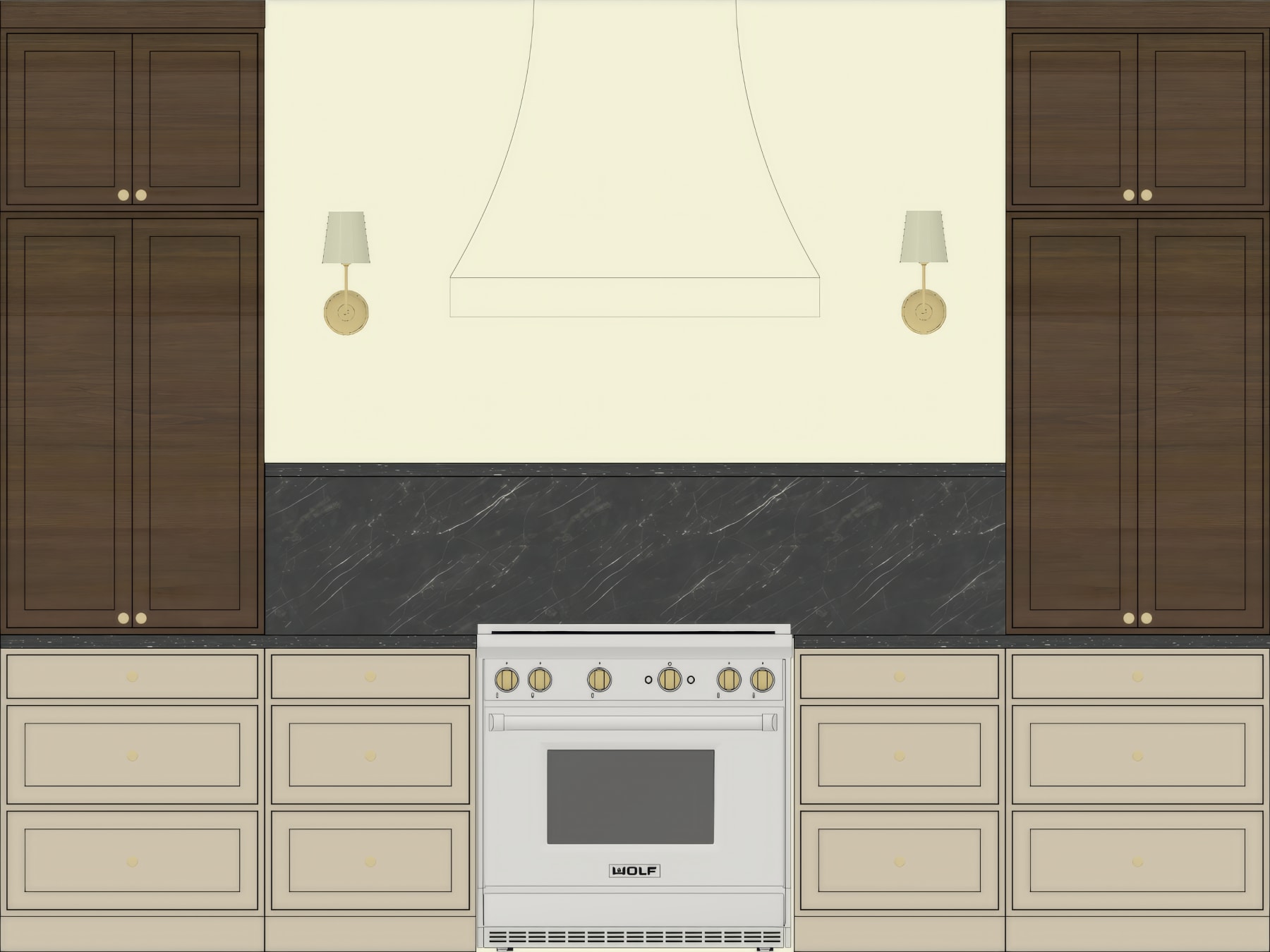
Flat 2D elevation of a kitchen wall with cabinets, range, and sconces
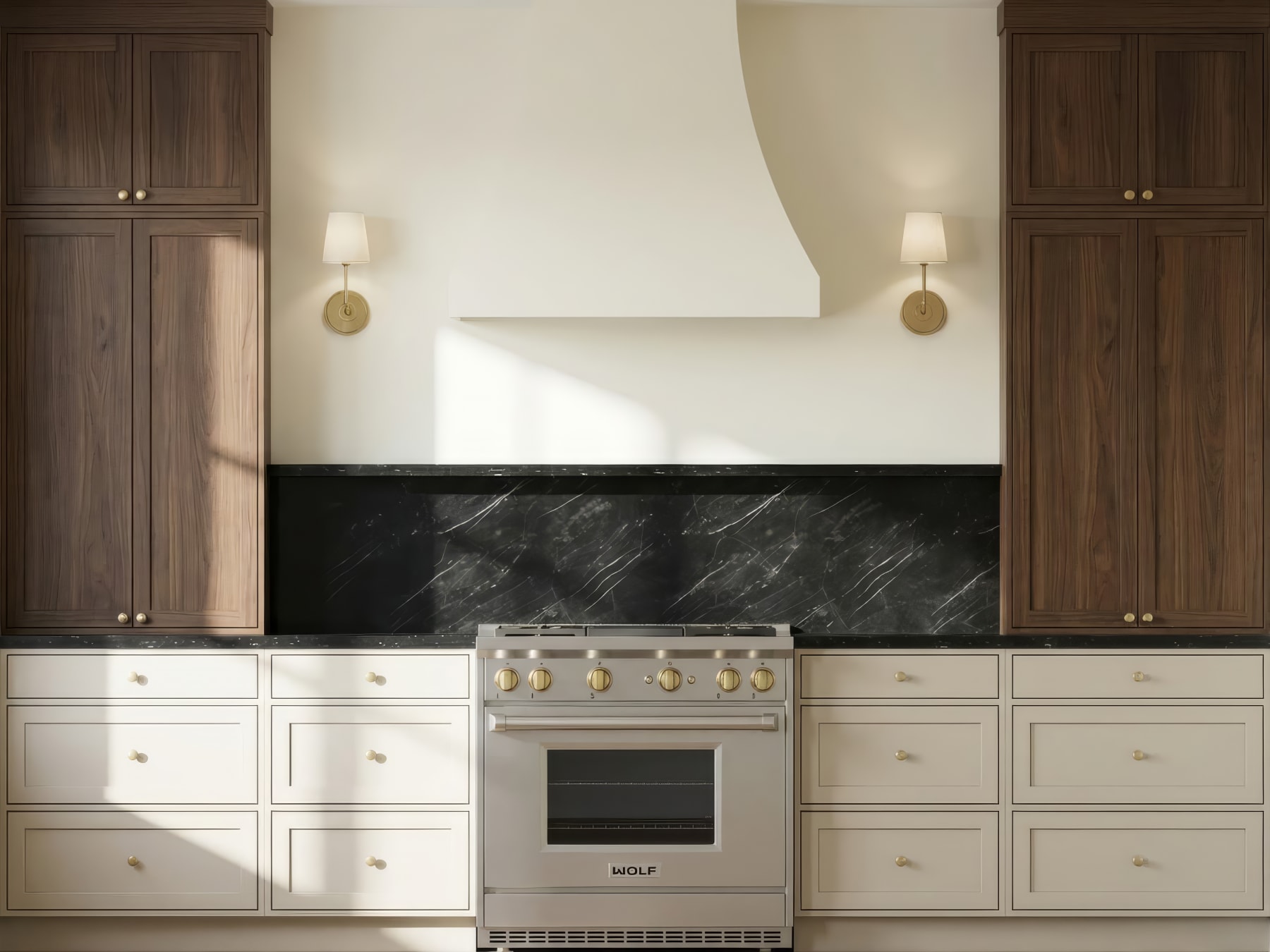
Same kitchen rendered photorealistically with warm lighting and realistic materials
Before After

How it works

1. Nothing to install.

The Design App runs in your browser. Open it and start designing.

2. Plan your design wall by wall.

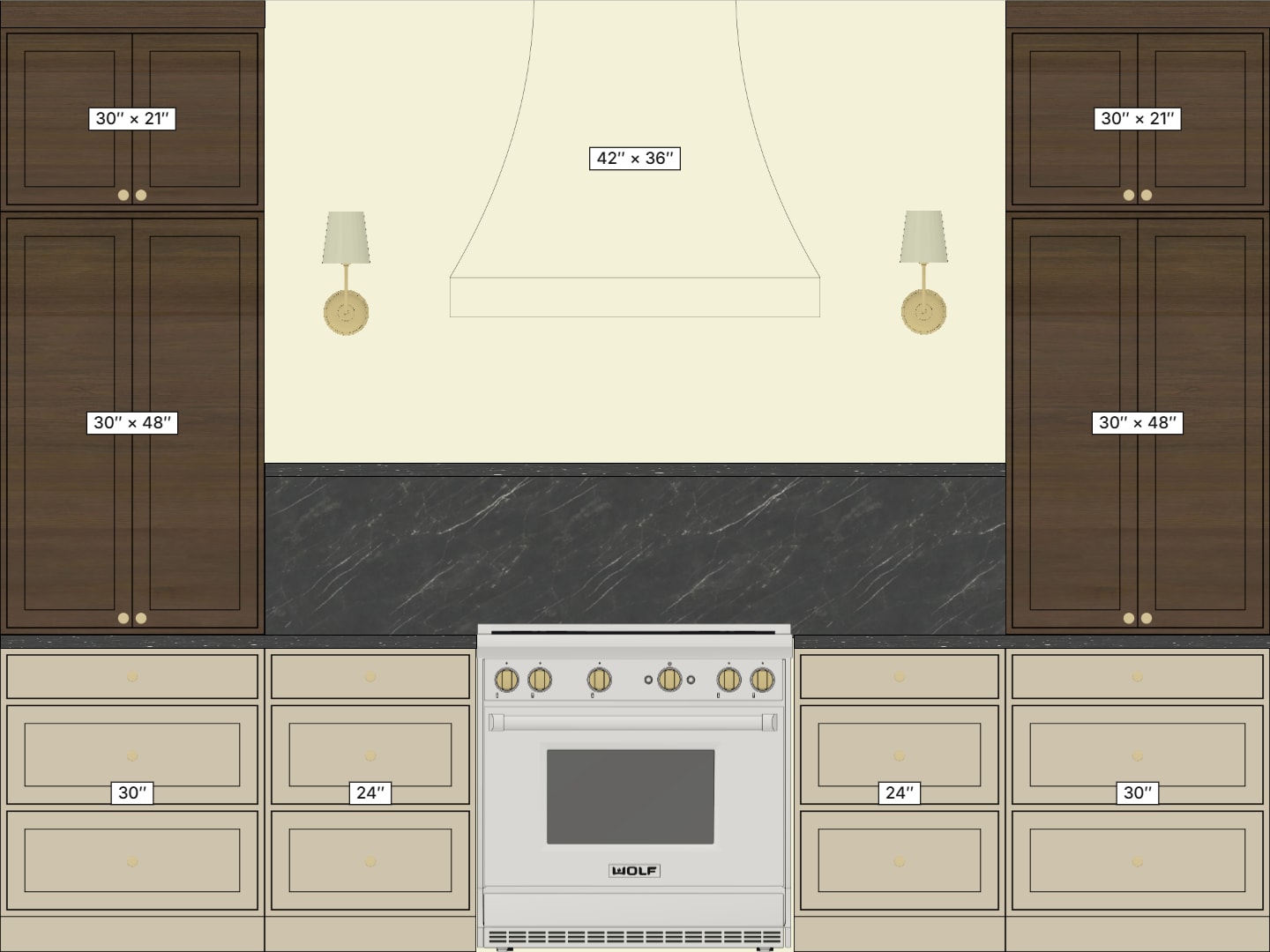
Choose from a library of cabinets, appliances, fixtures, and materials, and drag everything into your design.

3. Refine finishes, sizes, and colors.

Swap finishes, colors, and sizes as often as you want, and see every change appear instantly as you work.

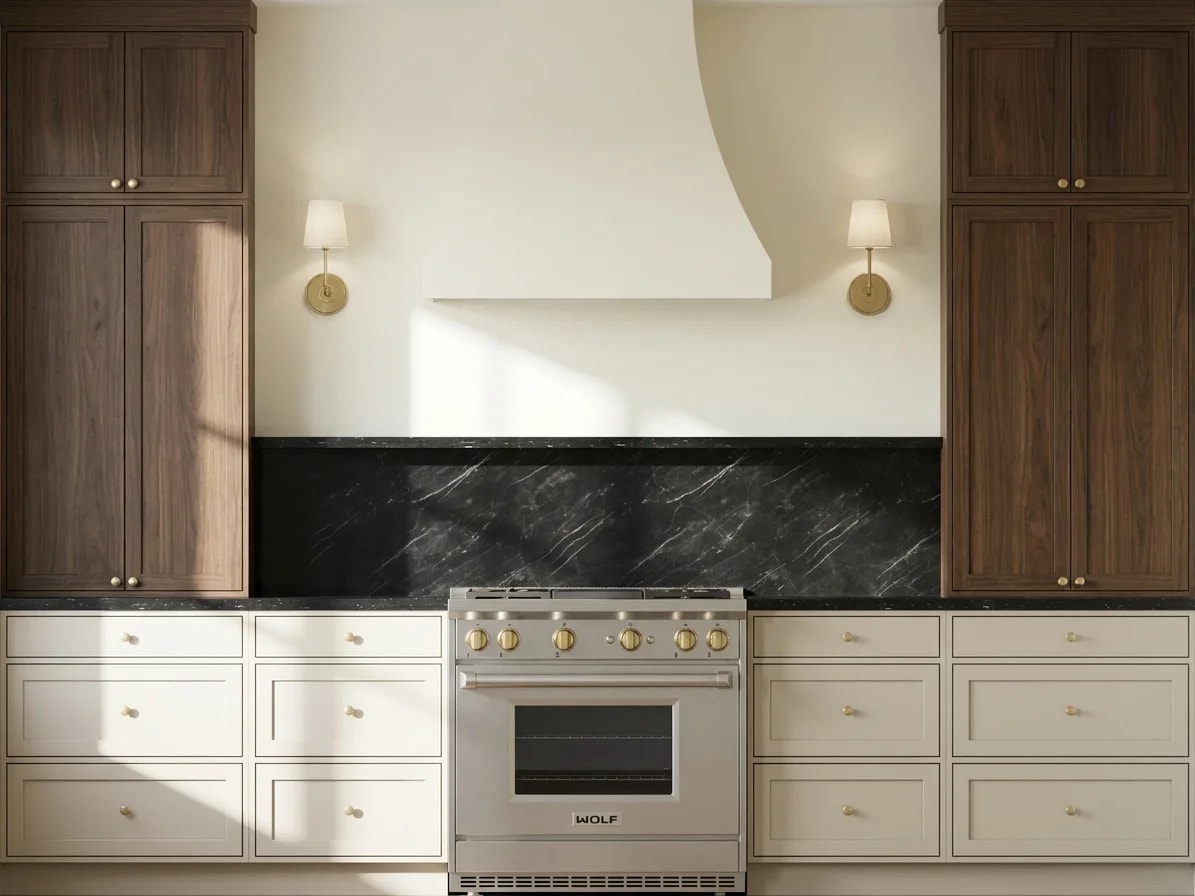
4. Create renderings in seconds.

One click turns your design into a photorealistic rendering in about 30 seconds, so you see exactly what your finished space will look like.

Built by a kitchen designer.

I built the Design App after years of designing kitchens and training interior designers. If you want cabinetry designs and photorealistic renderings without complex software, this is for you.

Start your free trial.

Something went wrong. Please try again.